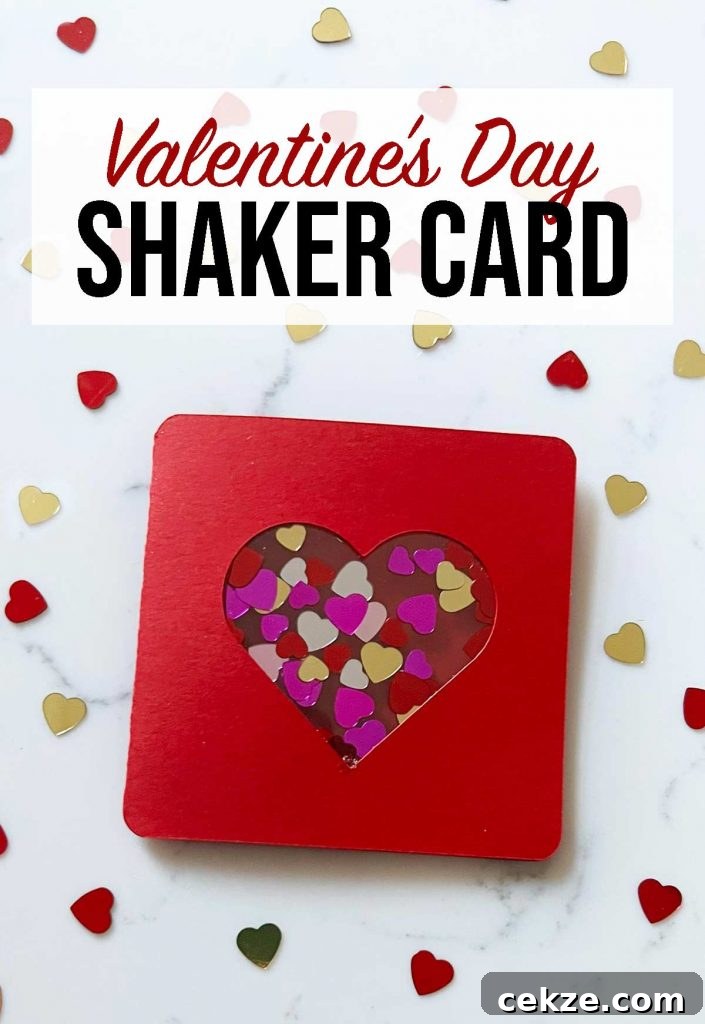
How to make a shaker card for Valentine’s Day with your Cricut
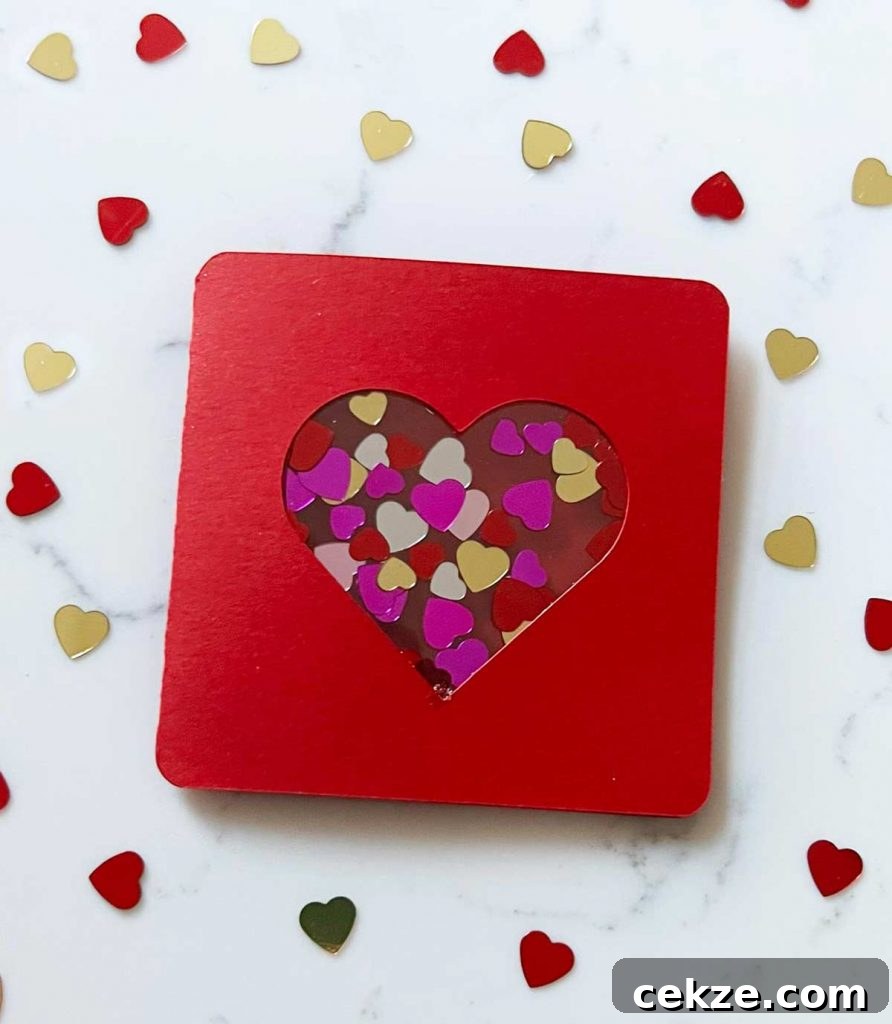
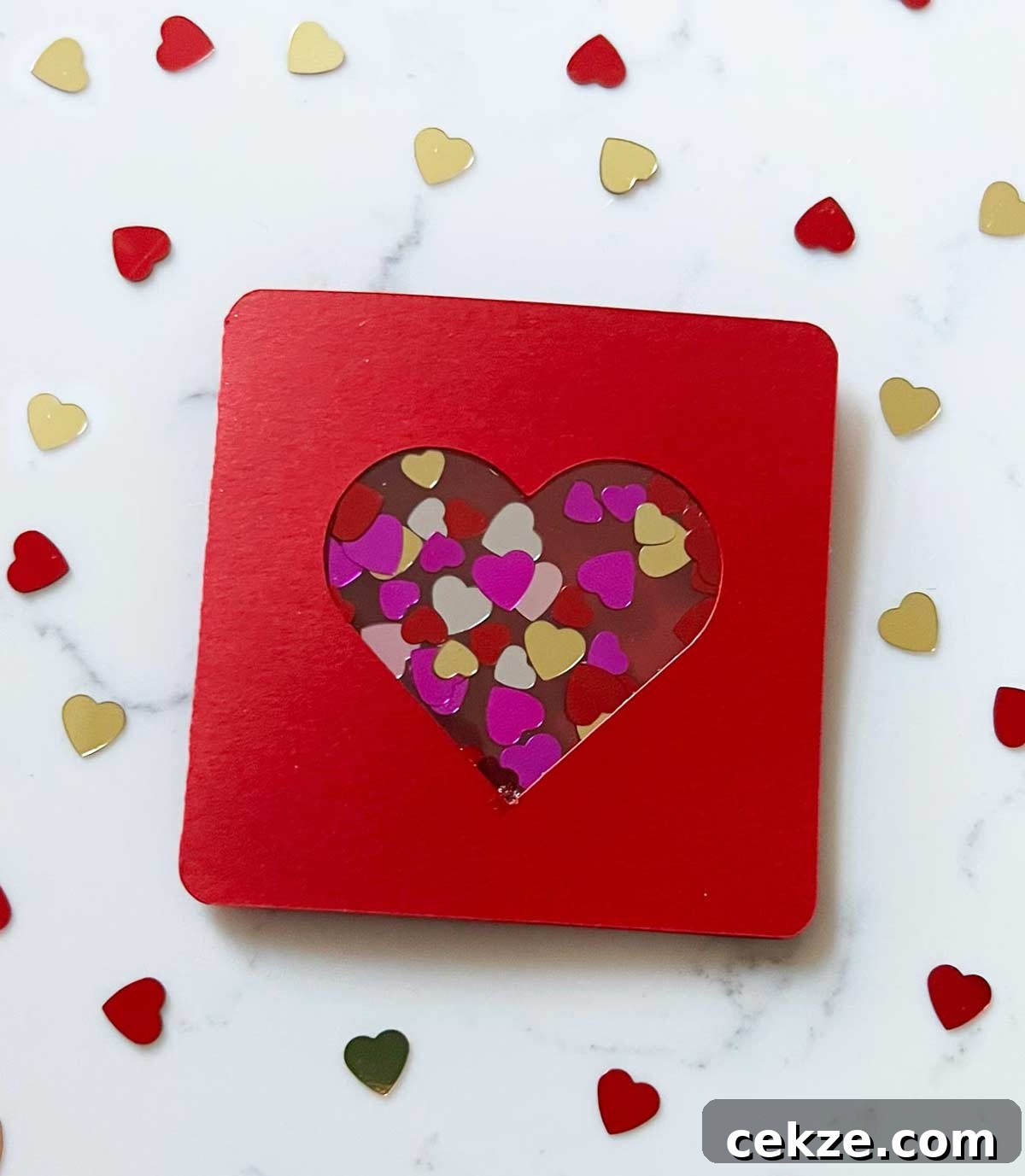
In this tutorial you’ll learn how to create a festive Valentine’s Day shaker card using a Cricut machine. A shaker card features a cut-out window—often a heart—sandwiched between clear acetate layers that hold confetti or glitter. When the card is moved, the filling shifts inside the window, giving the card a playful, interactive effect.
Shaker cards are a fun way to elevate simple paper crafts. They’re straightforward to design and assemble, especially when you use Cricut Design Space and a cutting machine. For this Valentine’s version, we use a heart-shaped window and heart confetti for a classic, romantic look.
This guide covers the supplies you’ll need, how to set up your design in Cricut Design Space, tips for cutting acetate, and step-by-step assembly instructions so you end up with a polished, gift-ready card.
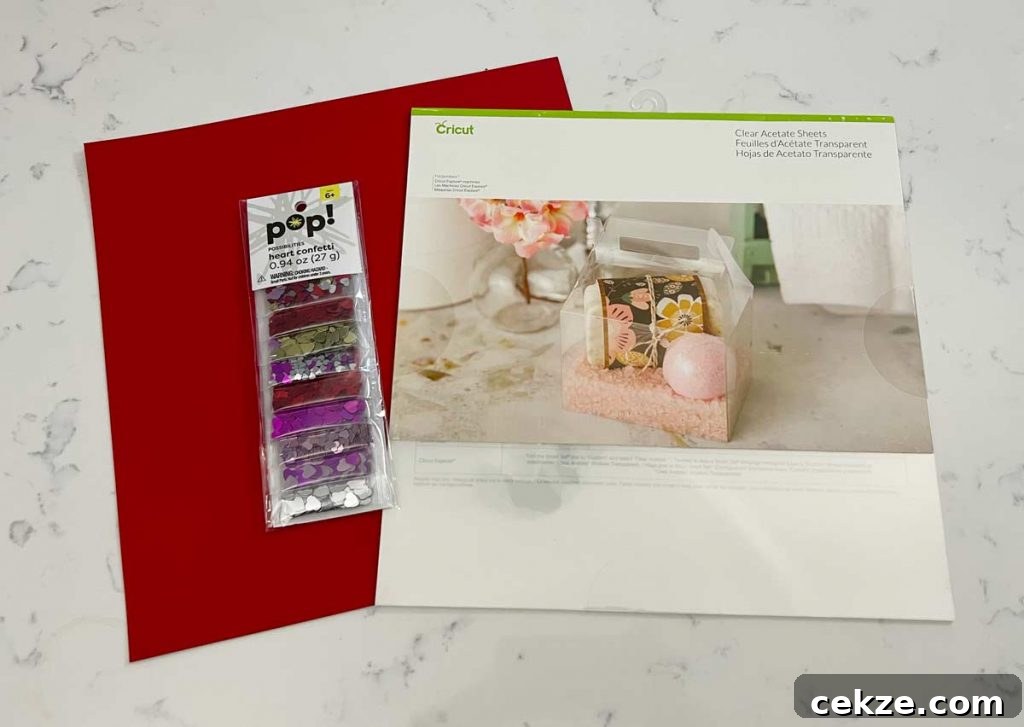
Shaker card supplies
- Cricut machine (Maker or Explore)
- Cardstock for the card base and front panel
- Clear acetate sheets cut to size
- Cricut light grip or standard grip cutting mat
- Heart-shaped confetti or small sequins
- Clear craft glue
- Scoring tool (scoring wheel or stylus)
- Craft tweezers (optional, helps place confetti)
How to design a shaker card
Start in Cricut Design Space using a card template that includes a score line. Choose a small rounded-corner card base if you like that shape. Add a heart shape to the front panel and position it where you want the window to be. Attach the heart to the front panel so it will be cut out as the window opening.
Create a rectangle slightly larger than the heart and duplicate it. These rectangles will be used to cut the acetate pieces that seal the shaker cavity. Having two acetate layers ensures the confetti stays contained while allowing room for movement.
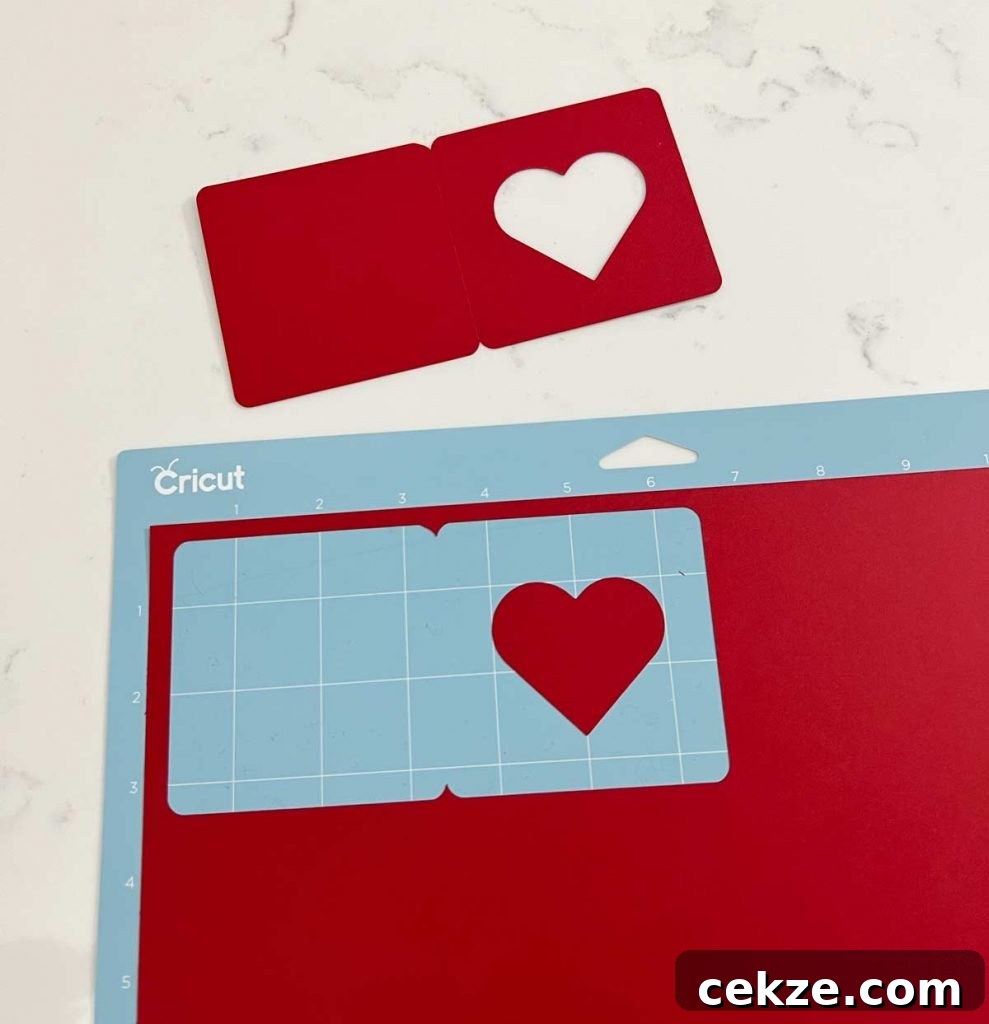
Cut and score your cardstock next. Use the scoring wheel if you have a Maker, or the scoring stylus if you’re on an Explore model. Accurate scoring helps the card fold cleanly and keeps the shaker window aligned.
How to cut acetate with a Cricut
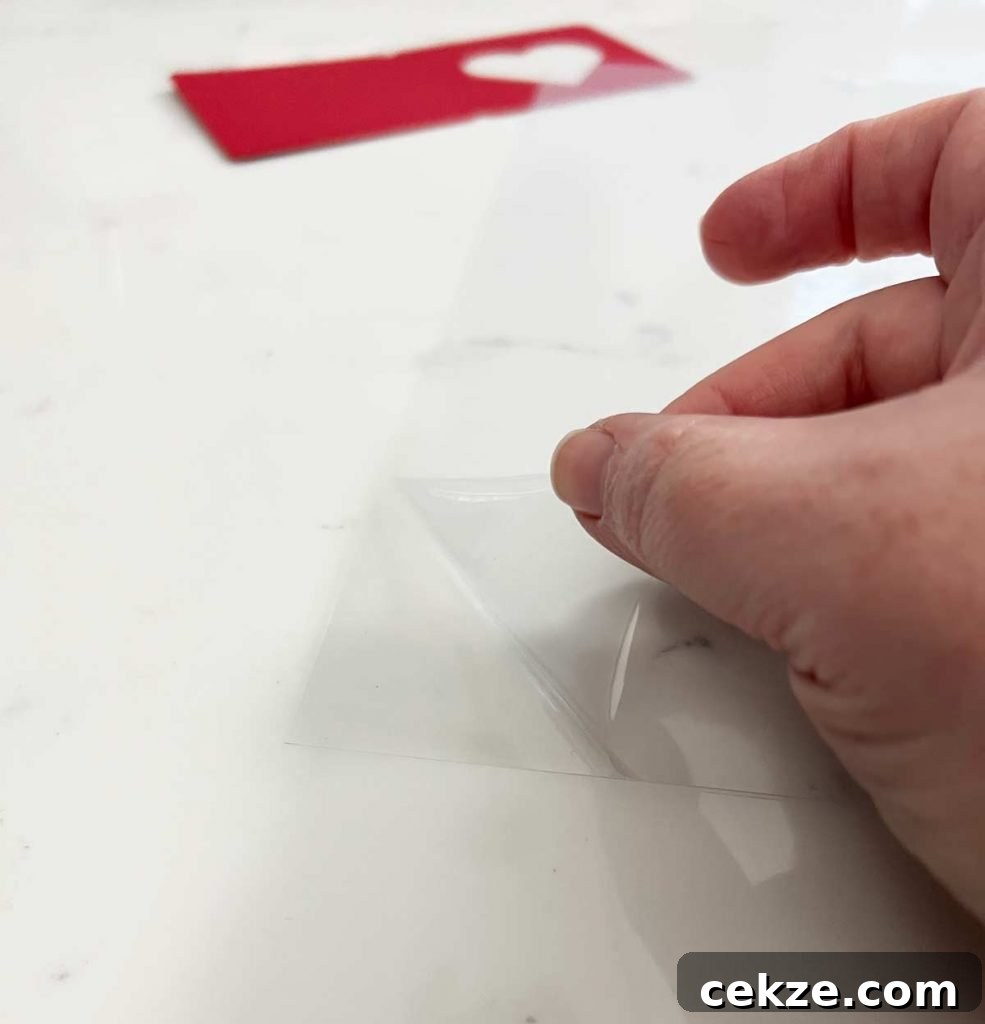
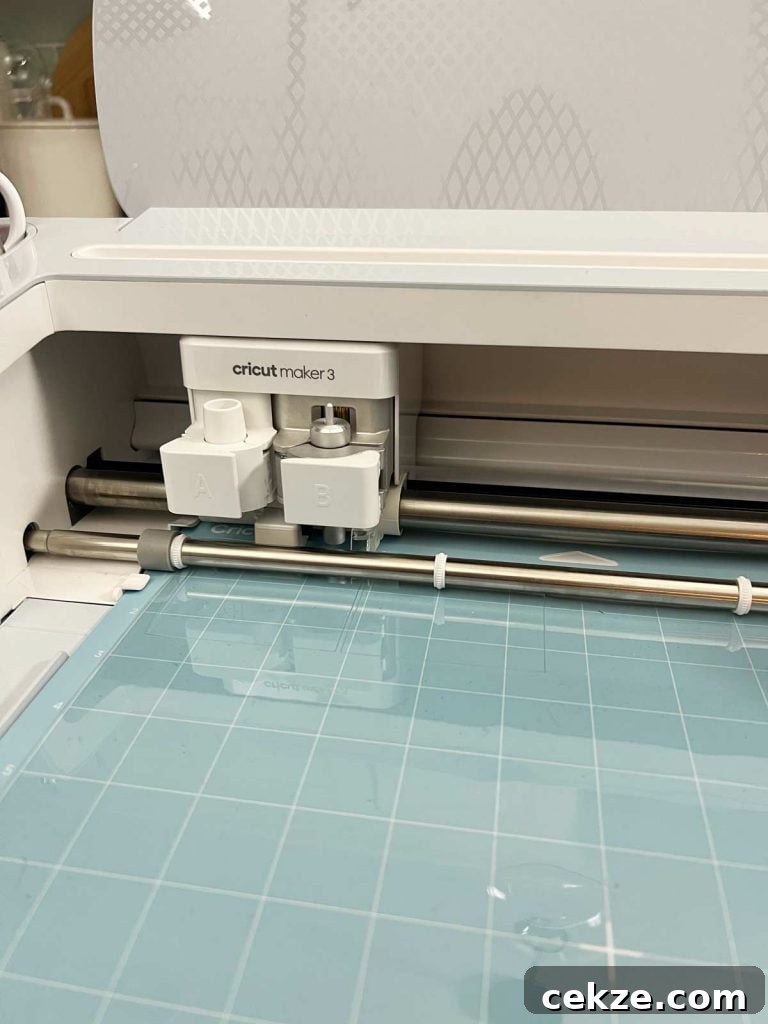
Acetate can be cut on Cricut Maker and Explore machines using the fine point blade—no knife blade required. Remove any protective film from the acetate before placing it on a light or standard grip mat. In Design Space, select acetate or a similar plastic material setting to ensure the blade and pressure are correct for a clean cut.
After cutting, flip the mat over and carefully peel the mat away from the acetate to avoid bending or cracking the cut piece. Keep both acetate pieces together for assembly.
Assembling a shaker card
With all pieces cut, assemble the shaker pocket before attaching it to the card. Lay one acetate piece on a flat surface and place a small pile of confetti in the center, leaving about a 1/4″ border clear for glue. Too much confetti can prevent the shaker from moving freely, so use a moderate amount.
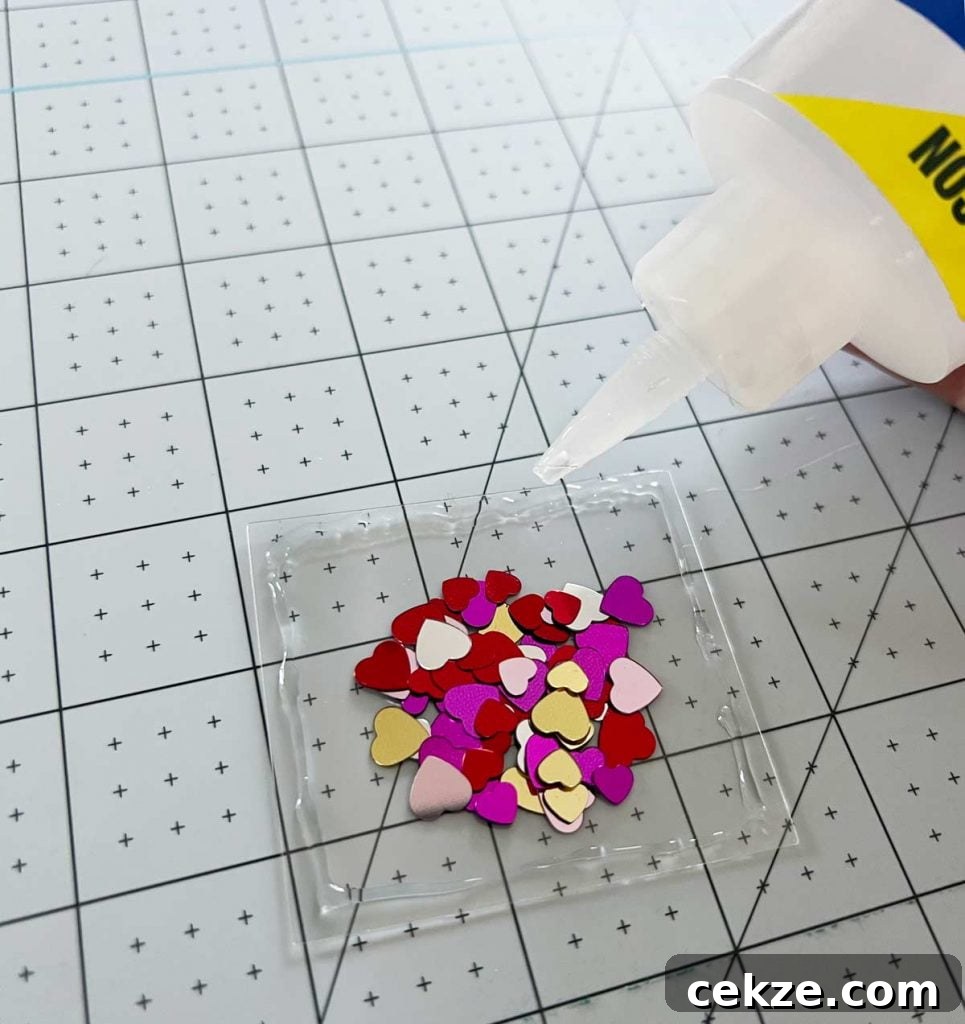
Apply a thin line of clear craft glue around the outside edge of the acetate, avoiding the area where the confetti sits. Carefully align the second acetate piece on top and press gently to seal. Use tweezers or your fingers to position and smooth the edge so the two layers bond evenly. Allow the glue to set a few minutes so confetti does not stick to wet glue.
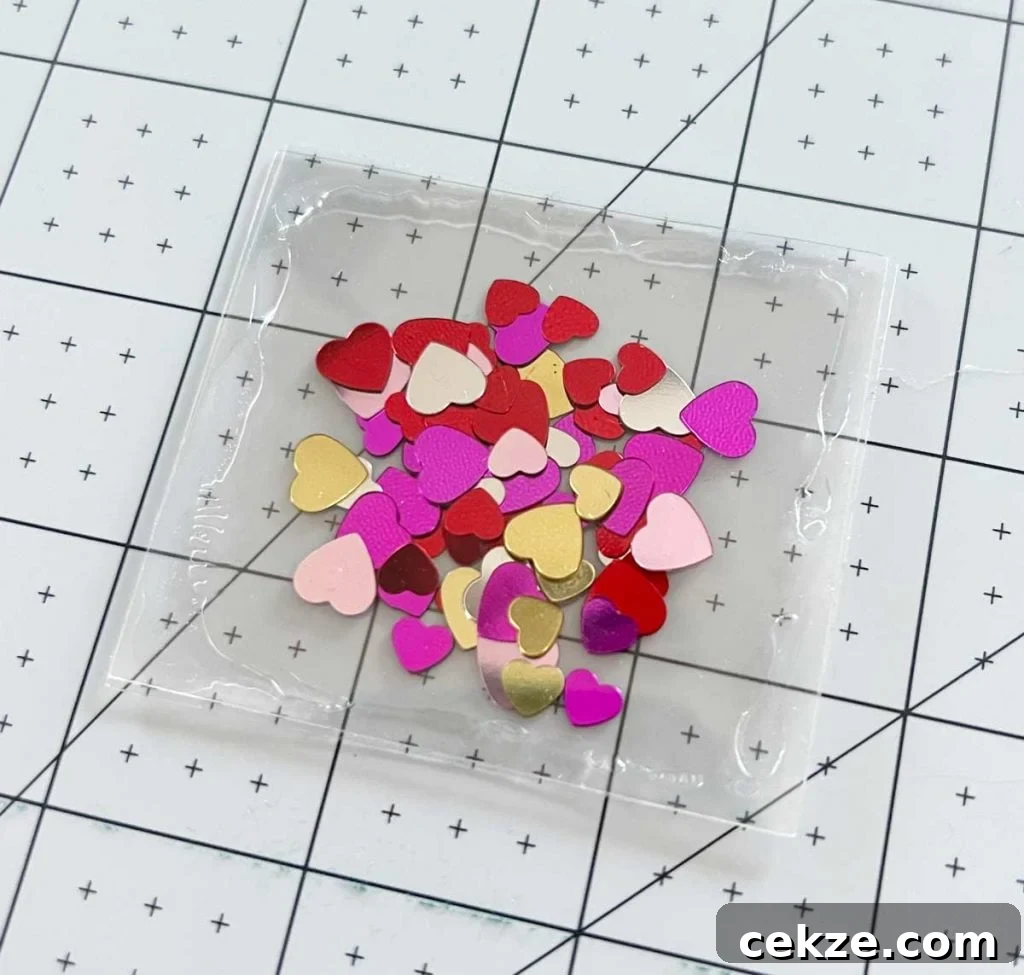
Once the acetate pocket is dry, open the card and position the sealed side of the acetate over the heart window from the inside. Apply glue to the acetate’s outer edge, keeping the adhesive away from the heart opening so the confetti can move freely. Press the acetate in place and let the glue dry completely before closing the card.
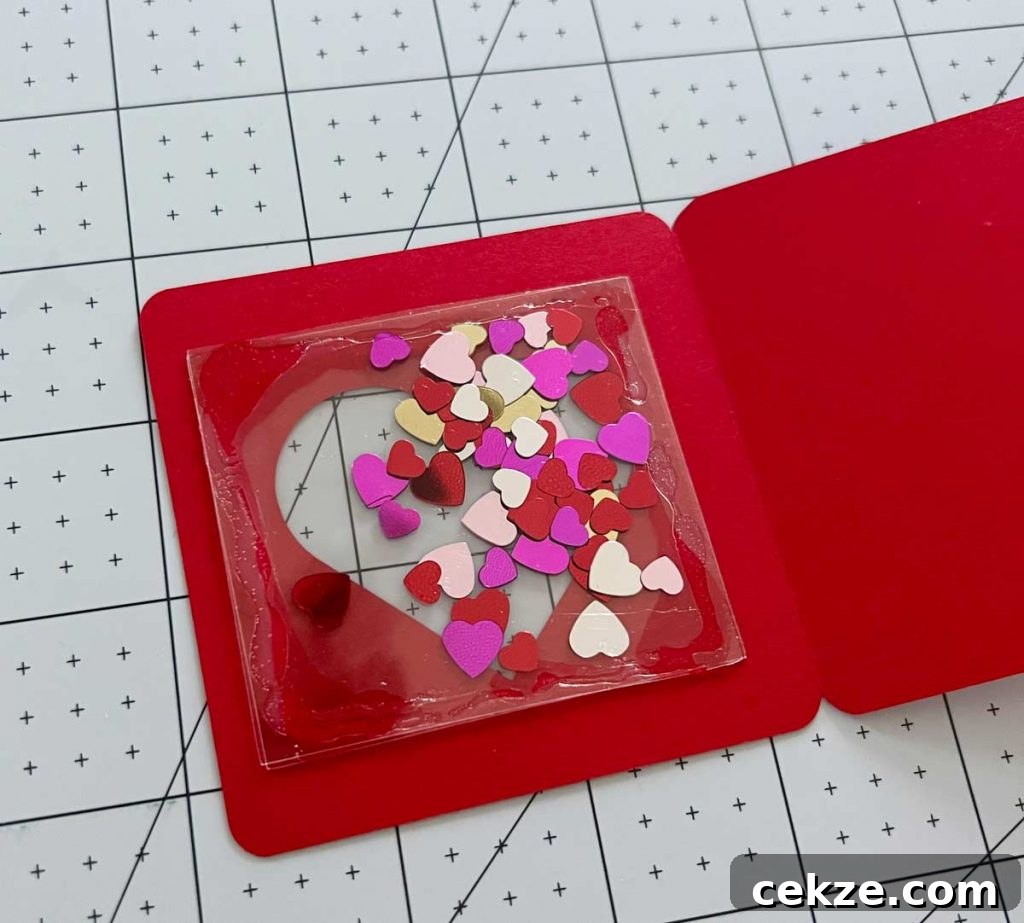
After everything is dry, close the card and give it a gentle shake to make sure the confetti moves inside the heart window. If the confetti feels restricted, reopen the card and check for glue along the edge of the cavity, or remove excess confetti.
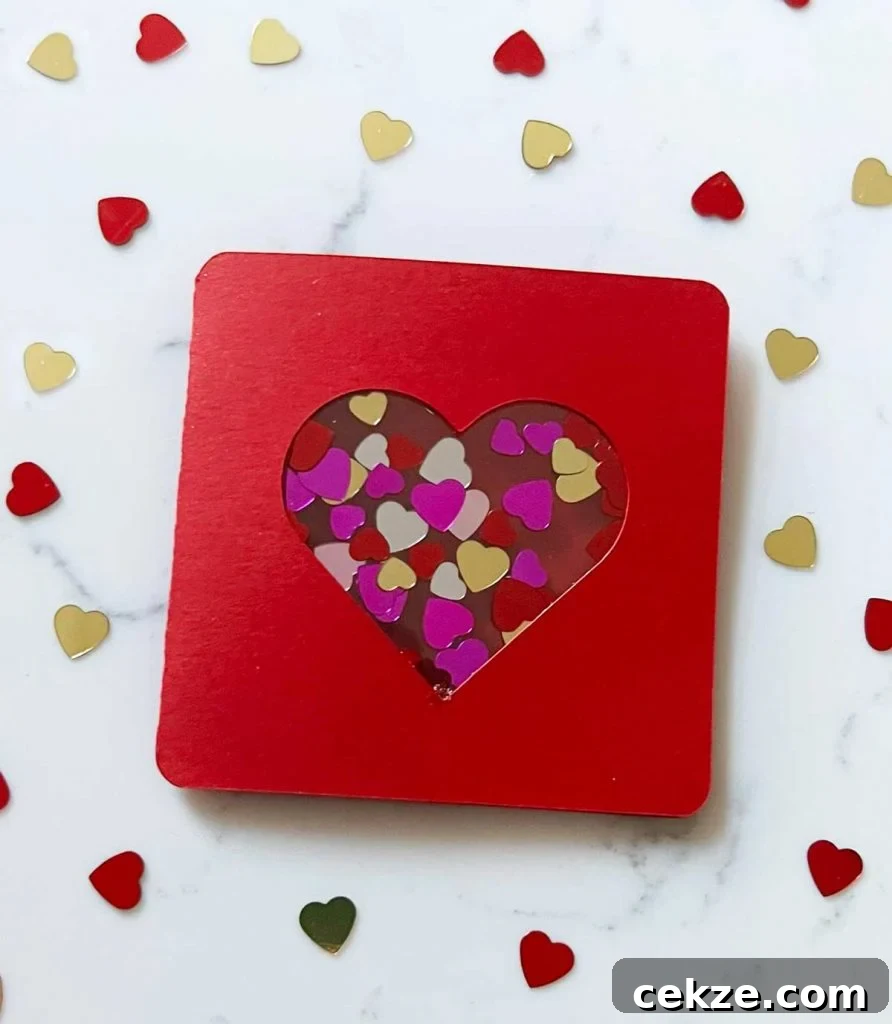
Your Valentine’s Day shaker card is now finished and ready to give to someone special. This simple technique can be adapted to different shapes, colors, and fillers to match any occasion or personal style.